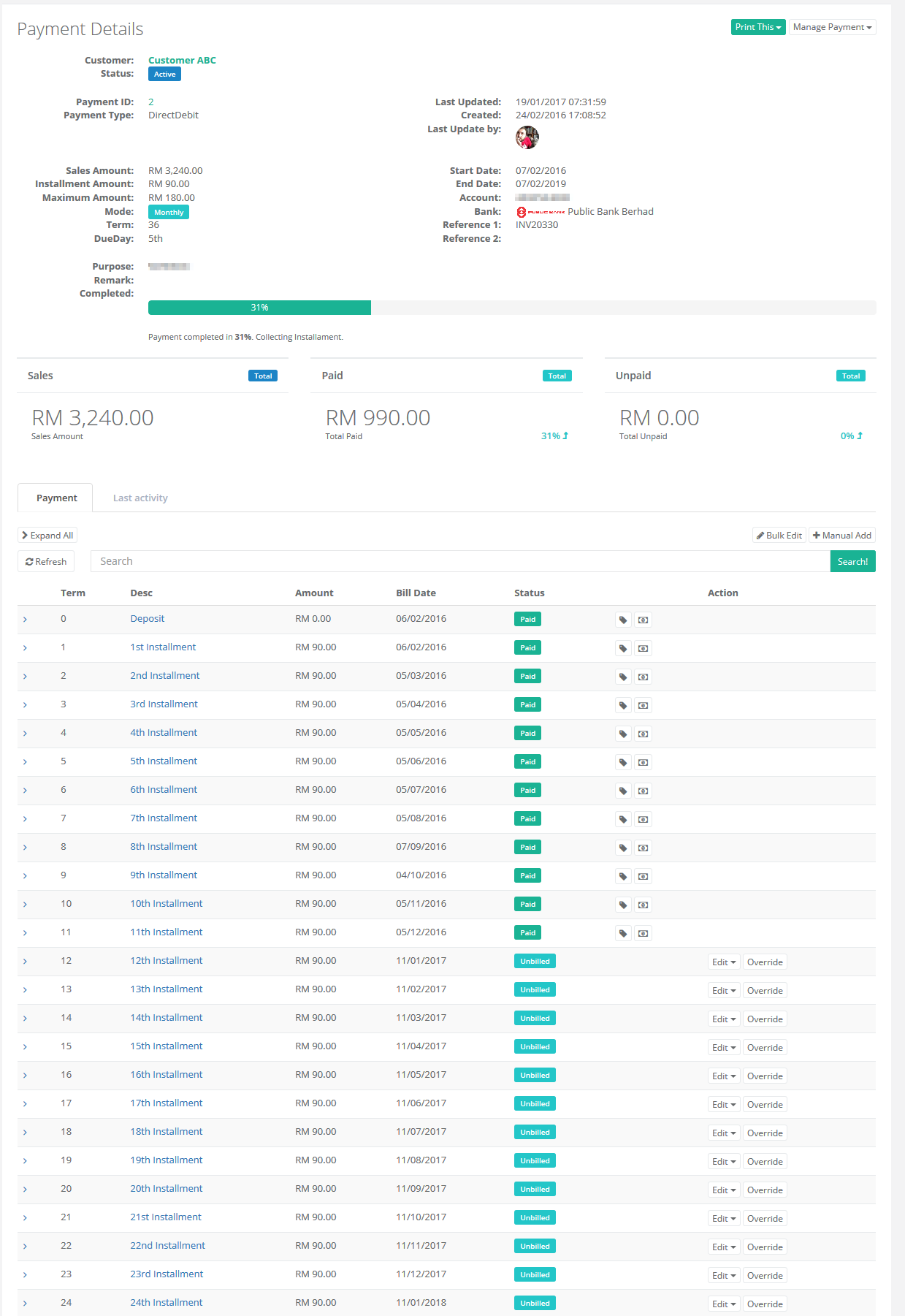
Payment: Change Customer Due Day
Batch update customer’s terms due day from one day to another day
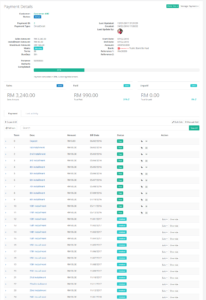
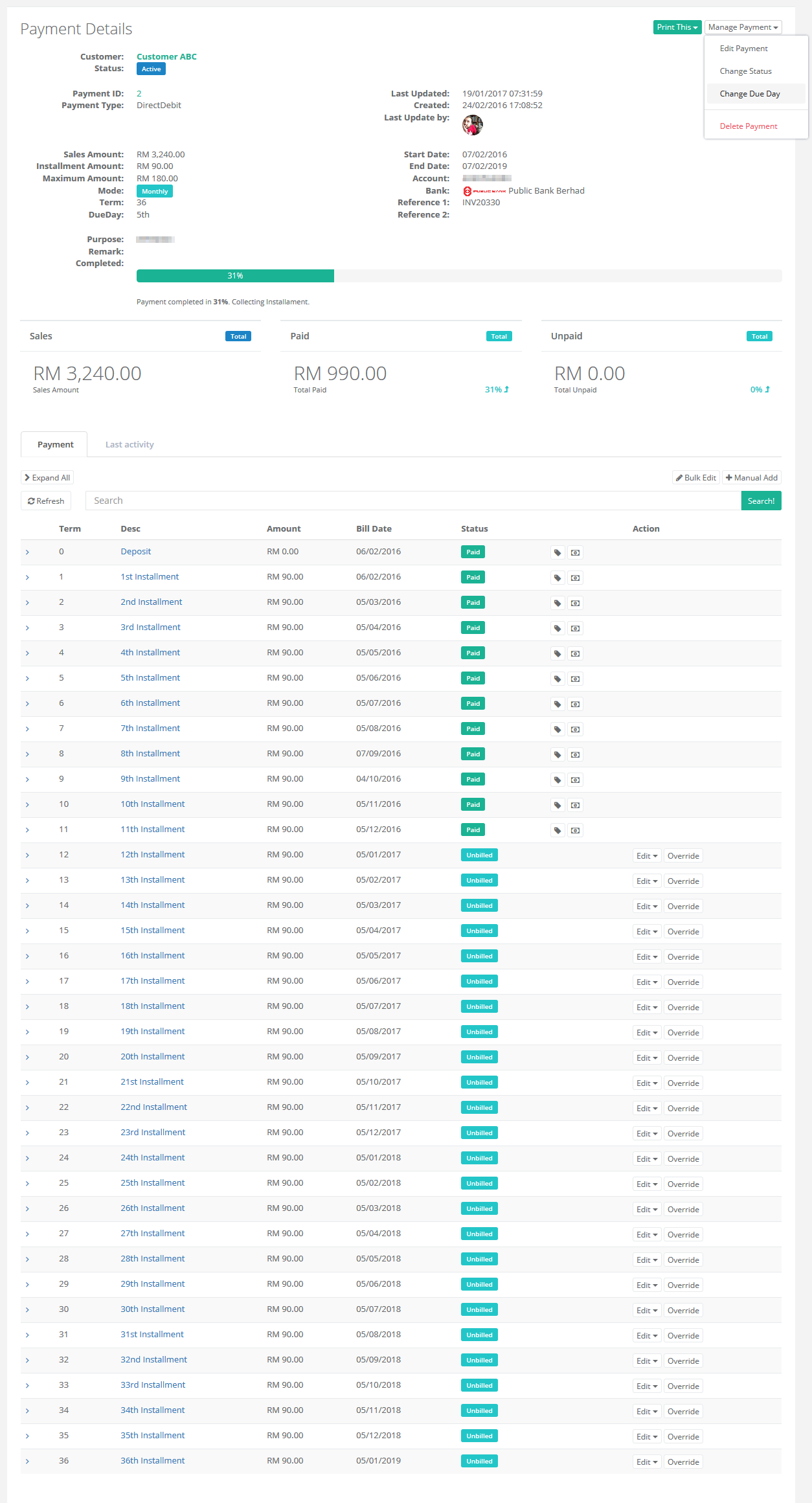
Update customer due day can perform from customer’s payment profile.
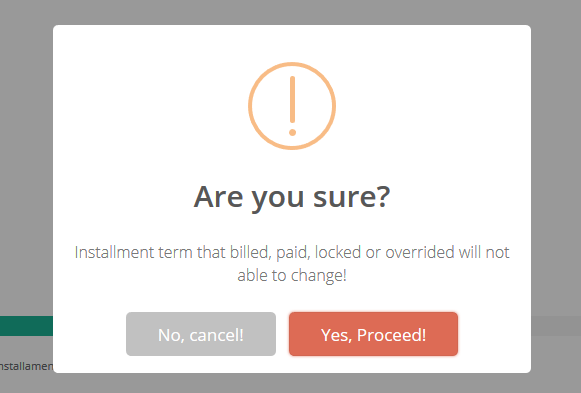
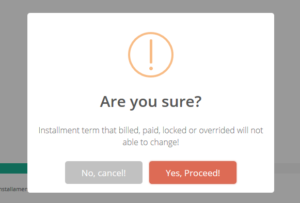
*Due Day update not applicable to billed, paid, locked or overrided terms.
Scenario: Update customer Due Day from 05th to 11th every month.
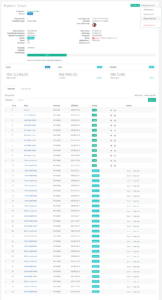
- Navigate to Customer’s Payment Profile, select Change Due Day (Upper right corner)
- Confirm warning message
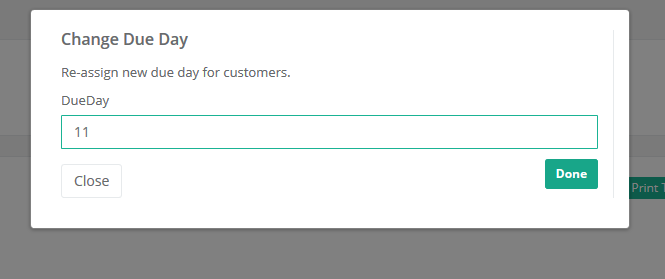
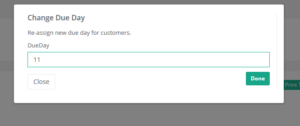
- Input new due day (Update 05th to 11th)
- Verify new due day