
HOW-TO: Create Collection Batch for other day
In some circumstances, user required to bill customer with differ date from billing date upon creation. Reason being collection batch’s billing date fall on special occasion such as weekend, public holidays, business purpose & etc.
1 Single Event
Collection date differ only required for single event. Eg. Customer collection batch date fall on special occasion, special handling for specific date only.
User can either do this with Auto Creation method or Manual method.
Demo Scenario: Bill (7th April)’s Customer at (11th April).
Auto-Creation
- First create collection batch with original date. (eg: 7th-April)
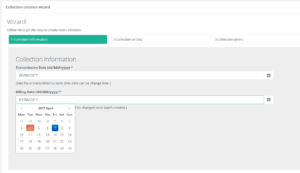
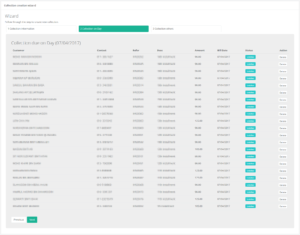
- Original customer batch will auto populate in collection on day tab. (eg: 7th-april’s customer)
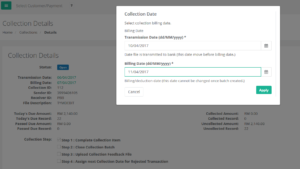
- Update to new collection date after collection creation wizard completed. (eg: Update Collection date from 7th April to 11th April)
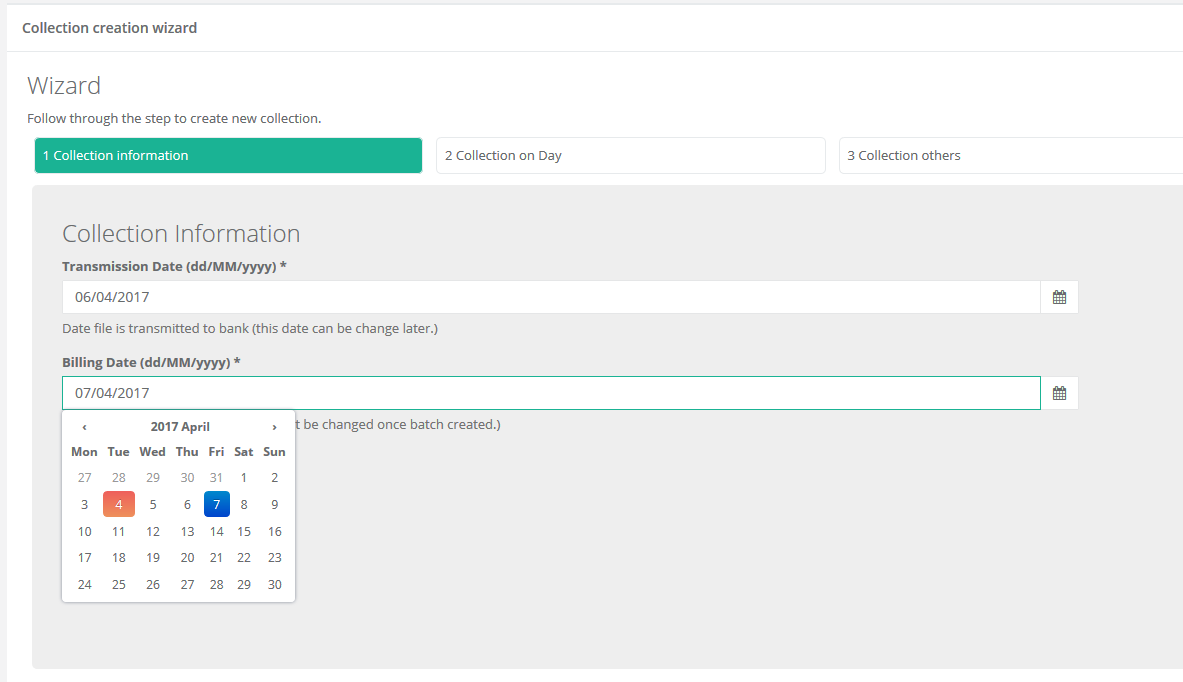
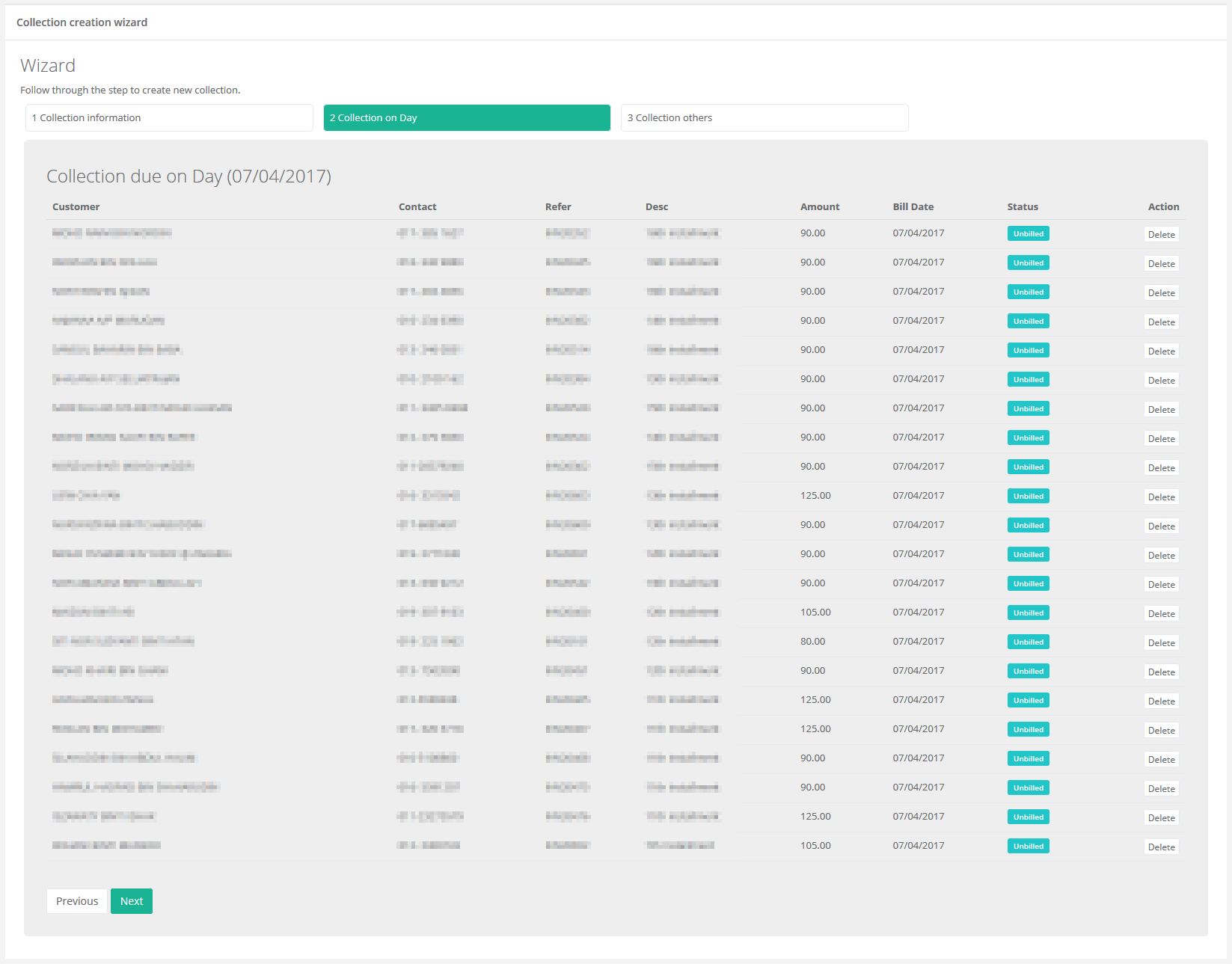
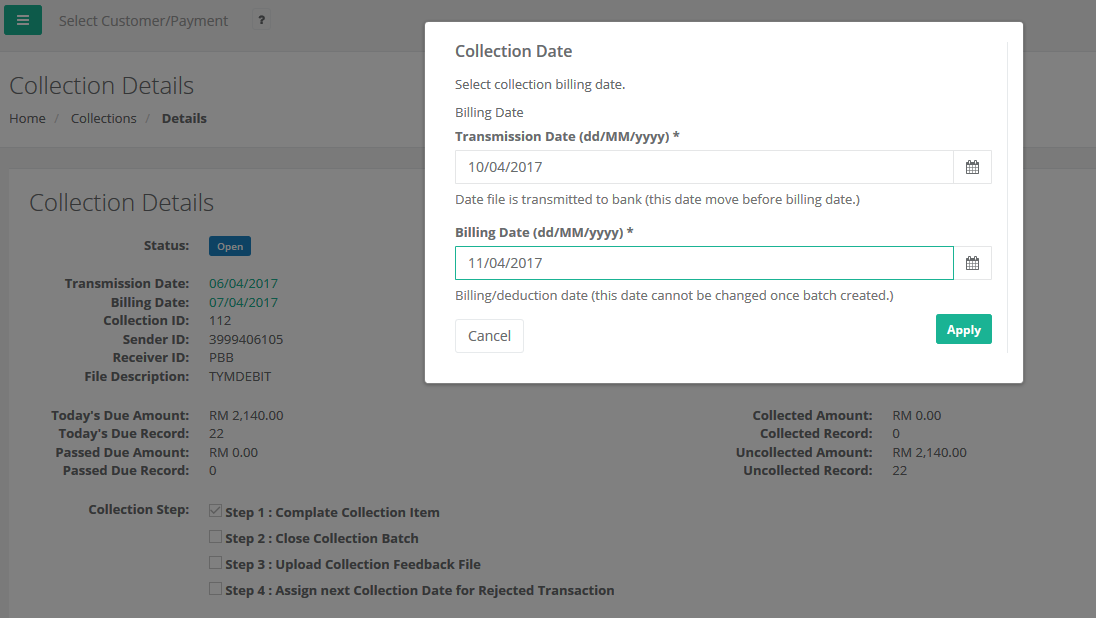
Manual-Creation
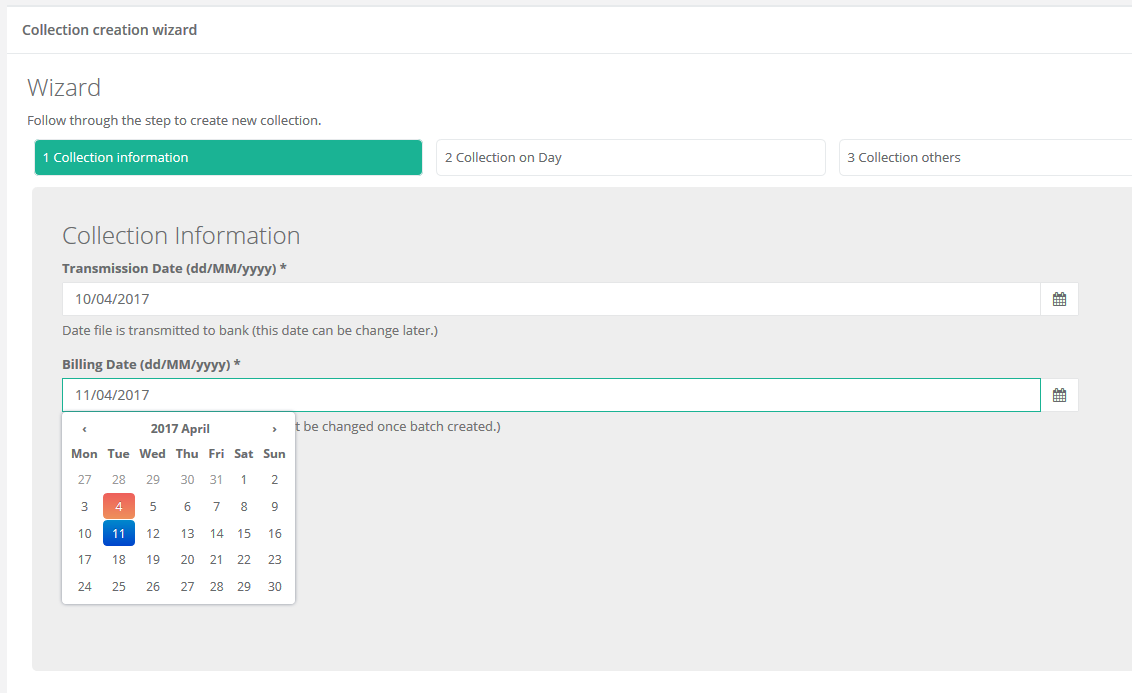
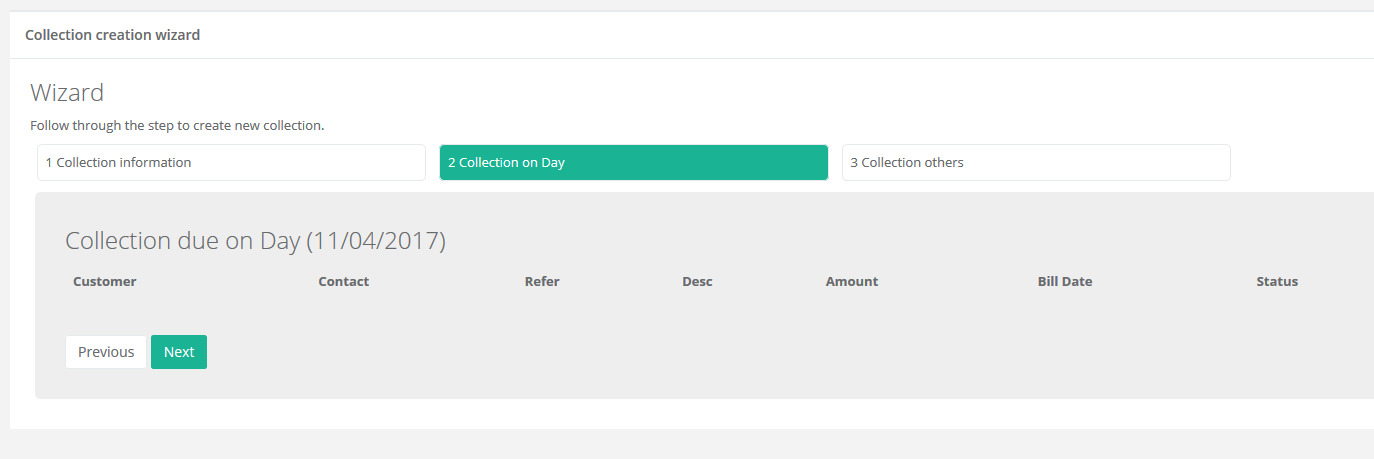
- First create collection batch with new collection date (eg: 11th April)
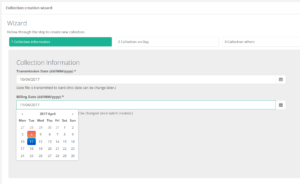
- *Customer will not auto populate in collection on day tab
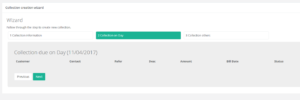
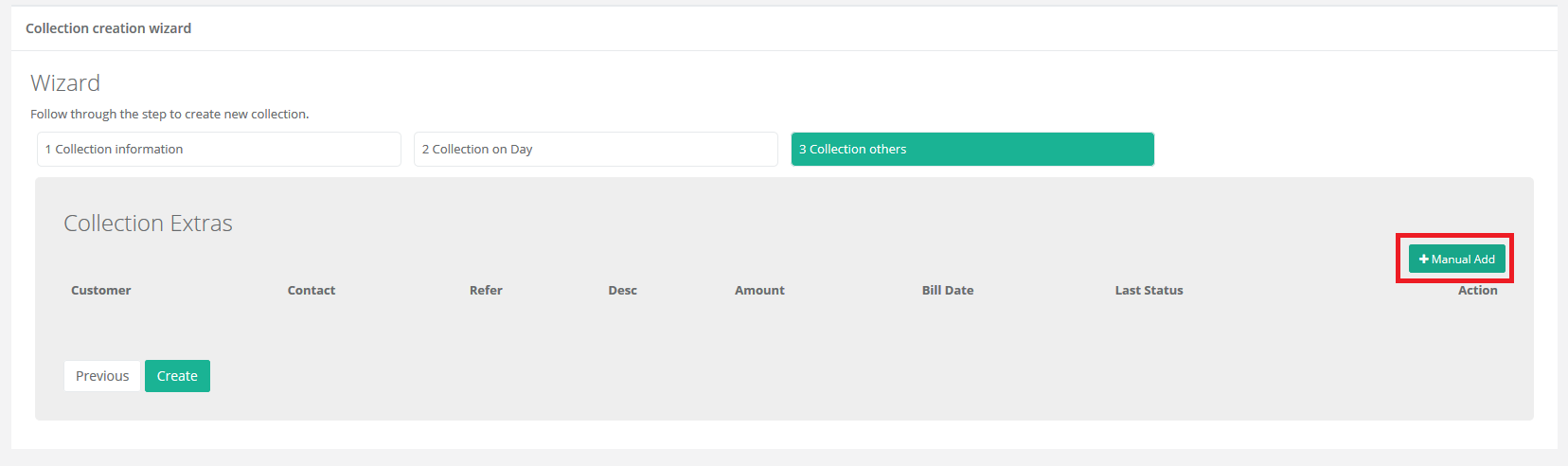
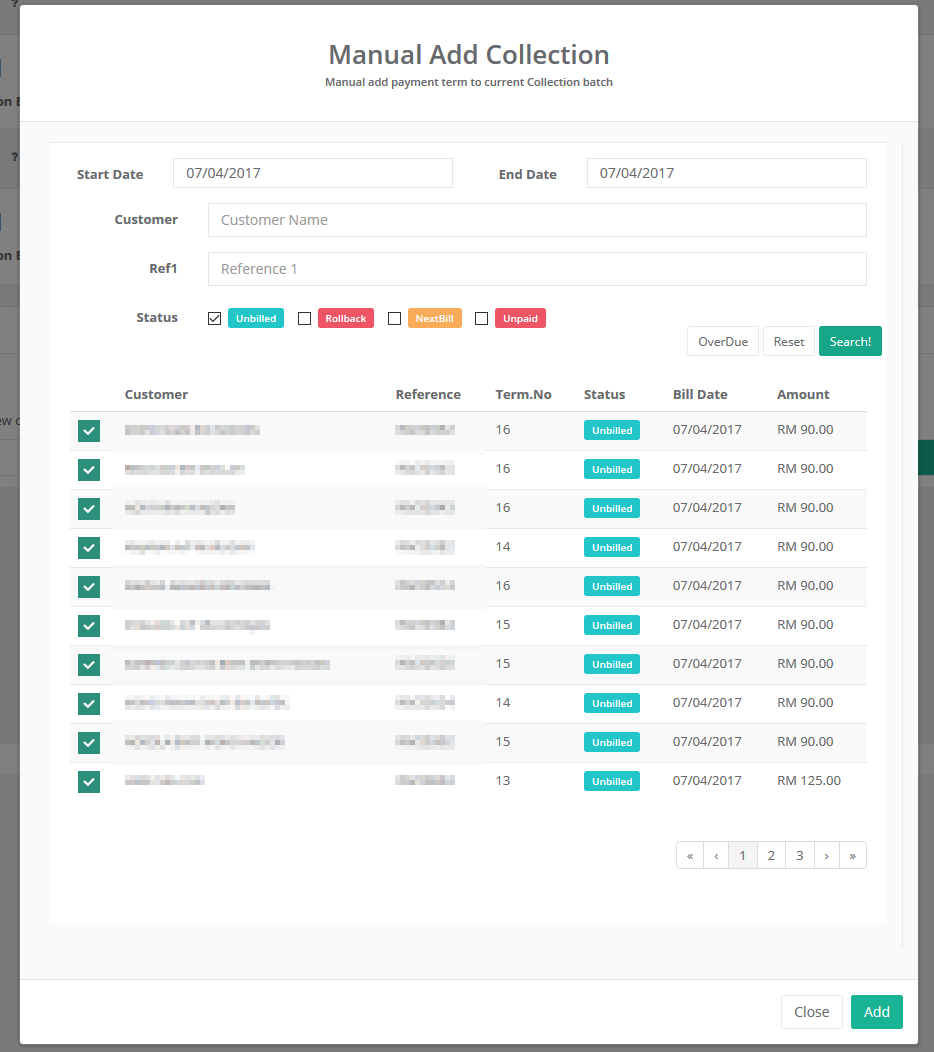
- Manual Add Customer (7th April)
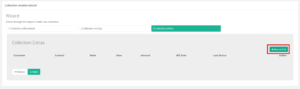
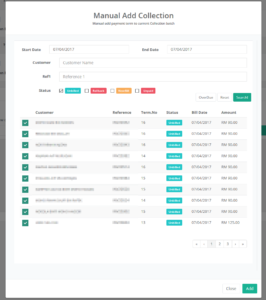
- Select Customer Criteria
– Start date : 7th April
– End date: 7th April
– Status: Unbilled
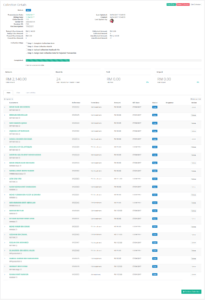
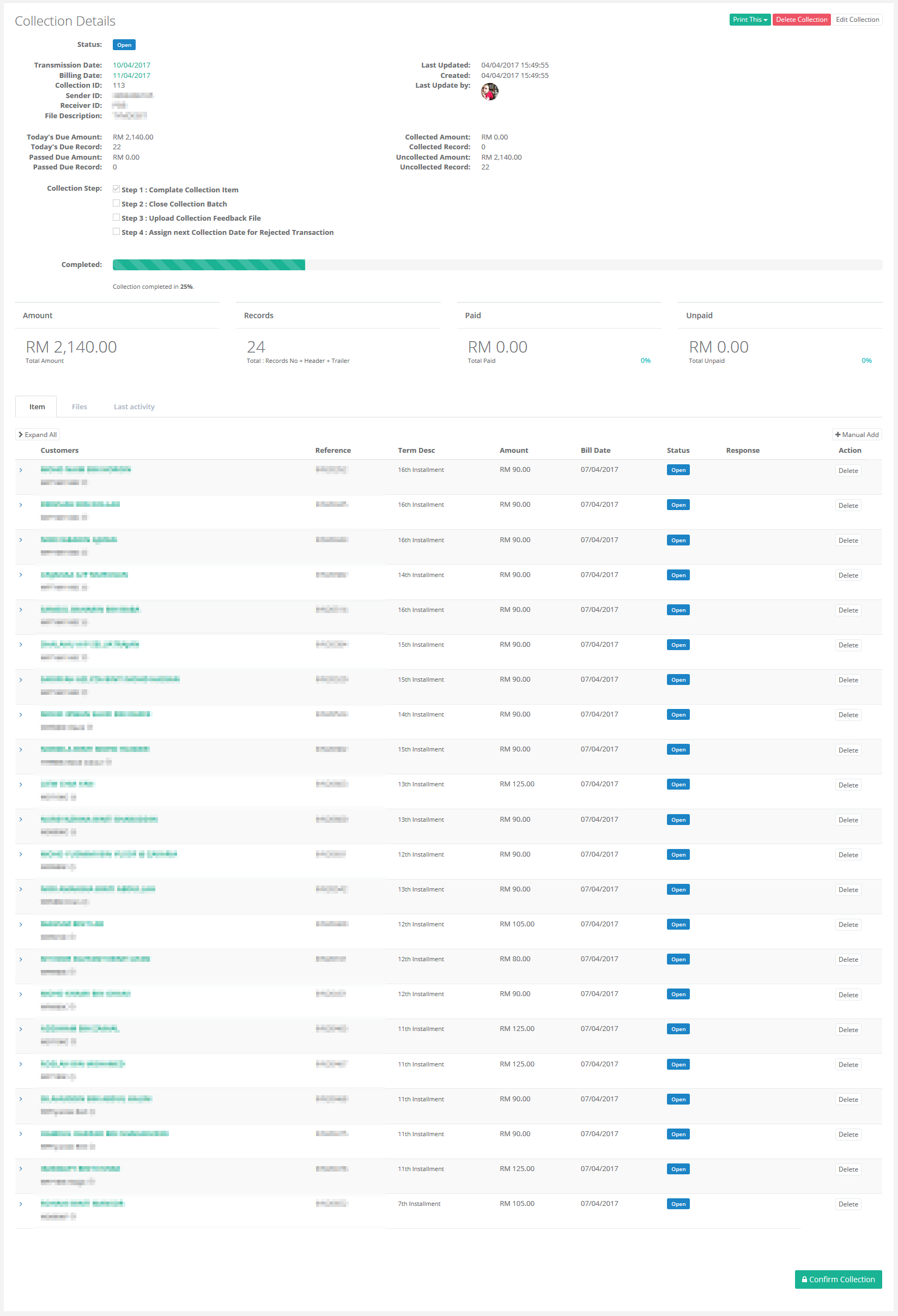
- Complete!
2 Permanent change Due Day
If the customer’s due day permanently change to another day. Refer to [Payment: Change Due Day]