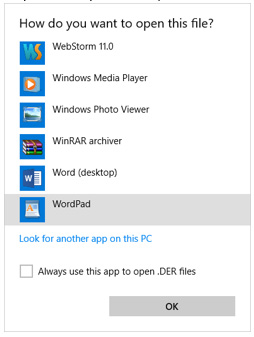
HOW-TO: How to Open DER (Enrollment Report File) with WordPad
Step 1. Select File (Right-Click) -> Open with鈥r Step 2. Expend More Apps (Click) Step 3. Select (WordPress) Step 4. Change WordPad view for better reading Step 5. Done
Copy and paste this URL into your WordPress site to embed
Copy and paste this code into your site to embed